
Set up a voice menu (IVR)
Last updated: 27 October 2026 · 8 min read
A voice menu (IVR) greets the caller and sends them to the right department by key presses. It is set up in the Voice panel, in the number's settings, with the “Özünəxidmət menyusu” (Self-service menu) target. First prepare the departments the menu will send calls to, under “Ayarlar › Şöbələr” (Settings › Departments).
Steps
-
1
Open the number
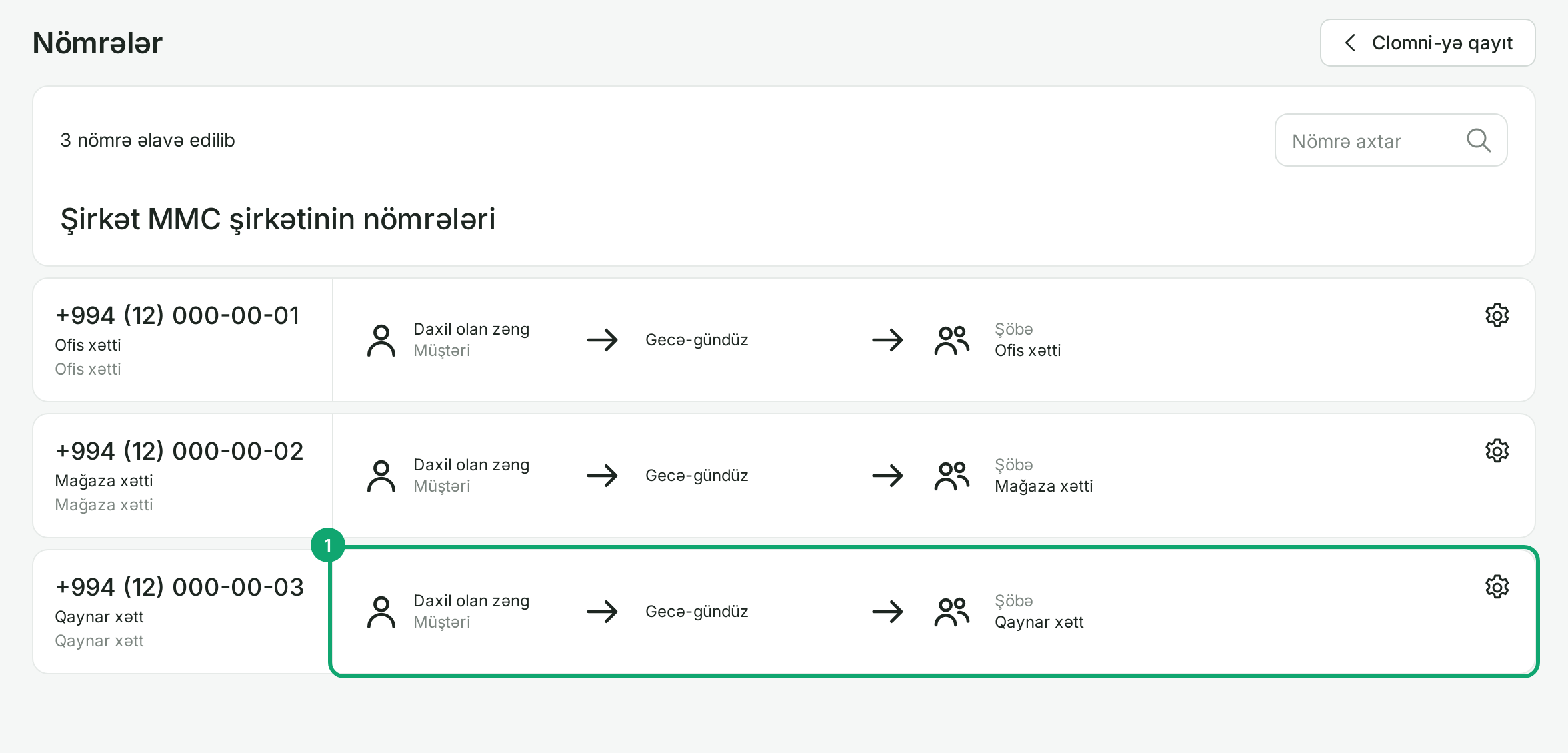
Open the Voice settings and go to “Ayarlar › Nömrələr” (Settings › Numbers). Find your inbox's number in the list and click its row. Numbers cannot be added or removed in Voice: a number is created in Clomni as a call inbox.
-
2
Choose the self-service menu
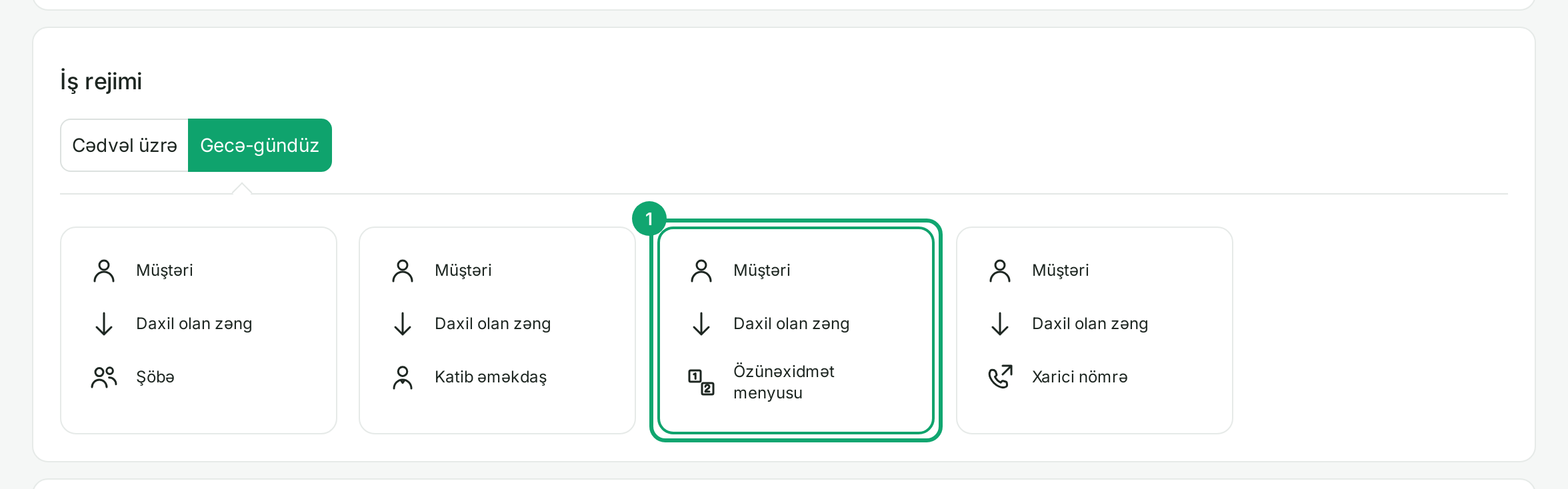
In the “İş rejimi” (Working mode) section, choose the “Özünəxidmət menyusu” (Self-service menu) card. If the number works “Cədvəl üzrə” (By schedule), choose the menu on the “İş vaxtında” (During working hours) tab; after-hours gets its own target.
-
3
Choose the greeting
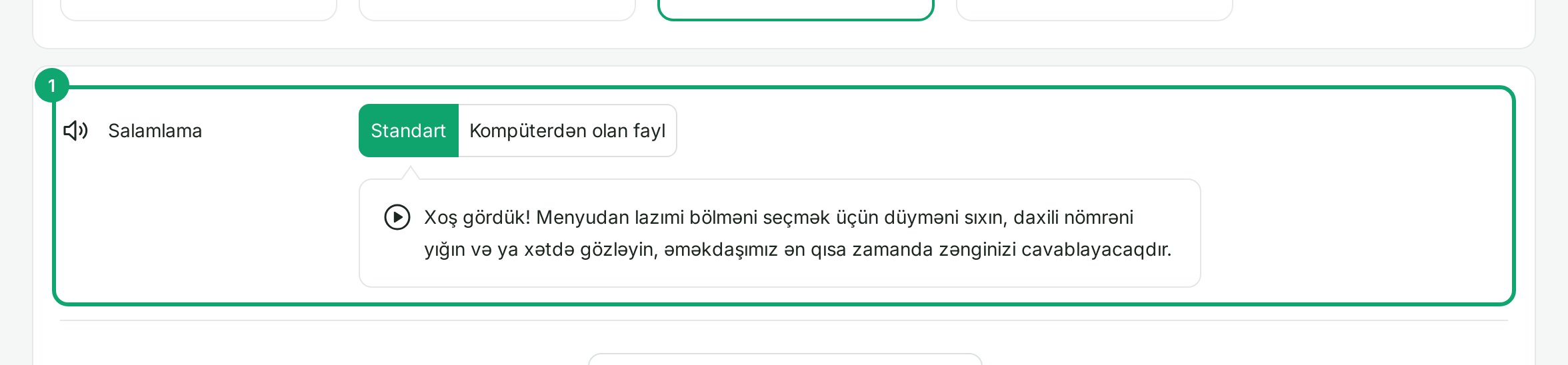
In the “Salamlama” (Greeting) row, “Standart” (Standard) plays a ready-made text. To use your own recording, choose “Kompüterdən olan fayl” (File from computer) and upload a file or pick one you uploaded earlier. Files up to 10 MB in .wav, .mp3, .ogg and .m4a work.
-
4
Give each key a target
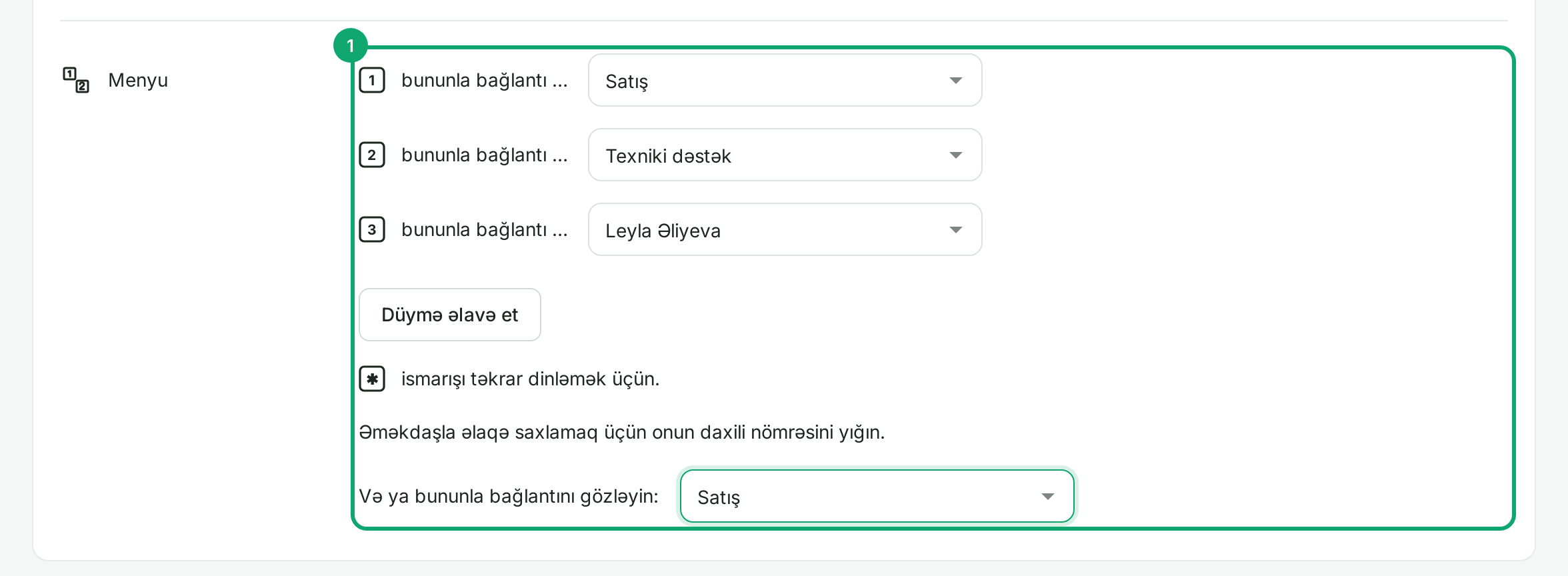
In the “Menyu” (Menu) section, pick a target from the list next to each key: a department, an employee, “Avtocavablayıcı” (voicemail) or “Xarici nömrə” (External number). For a new key click “Düymə əlavə et” (Add key); keys 0 to 9 can be used. When the caller presses ✱, the greeting repeats; when they dial an employee's extension, the call goes straight to them.
-
5
If no key is pressed
In “Və ya bununla bağlantını gözləyin” (Or wait to be connected to), choose where a caller who presses nothing goes. Usually this is the main department, so that a customer who presses nothing is still answered.
-
6
Add a submenu
In a key's list, choose “Menyu əlavə et” (Add menu). In the window that opens, enter the submenu's name and pick its message file, then click “Əlavə et” (Add). Fill in the submenu's keys the same way, for example “1 Sales” leading to “1 corporate, 2 individual customers”.
-
7
Save
Click “Yaddaşda saxla” (Save) at the bottom; the menu works at once. If the number is linked to a published call flow, a notice at the top of the page says so: then change the menu in the flow itself, under “Zəng axınları” (Call flows).
-
8
How agents get calls from the menu
Clomni adds an inbox's agents to the inbox's own department by itself. If the menu sends calls to another department (for example “Satış”, Sales), choose that department's members yourself under “Ayarlar › Şöbələr”. When a Clomni agent is a member, the call rings in their Clomni.