
Where call recordings and transcripts appear
Last updated: 9 October 2026 · 4 min read
WhatsApp QR calls made from Clomni are recorded. After the call ends, the recording is added to the call message in the conversation, and then the transcript and summary are prepared.
Steps
-
1
Open the conversation
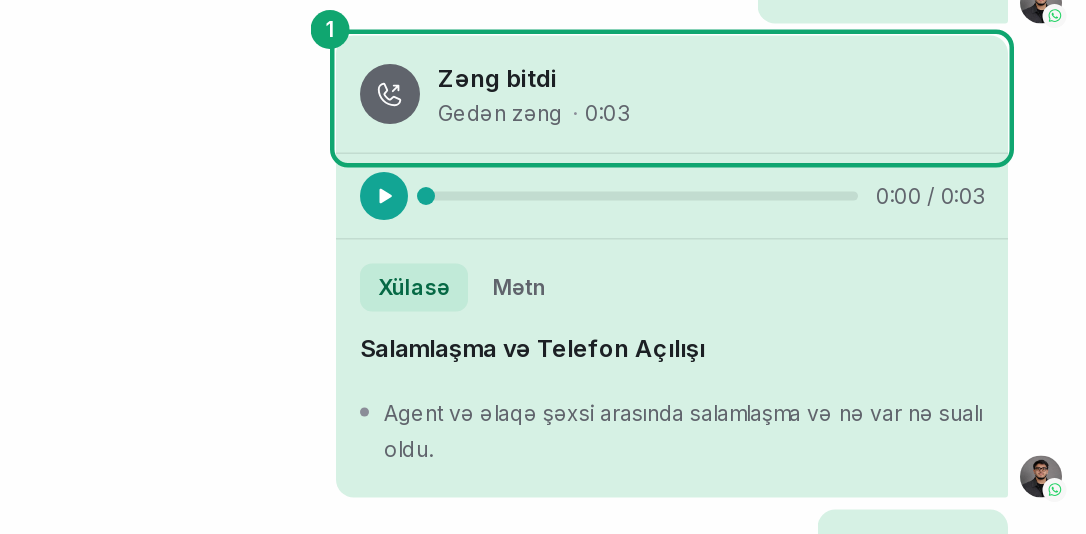
Open the conversation the call was made from. The call appears in the conversation as a separate message: “Outgoing call”, “Incoming call” or “Missed call”.
-
2
Listen to the recording
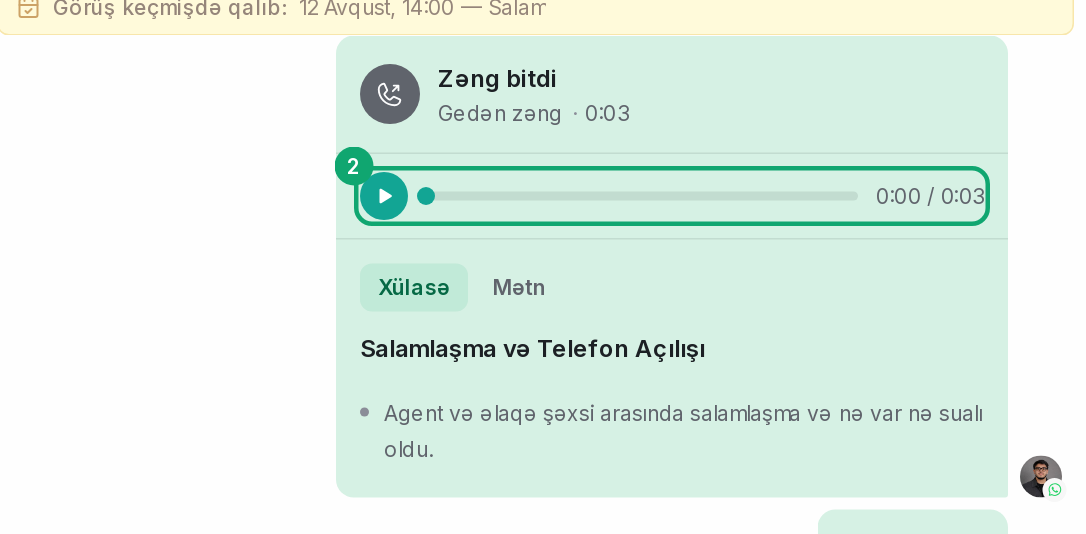
Click the play button (“Play”) in the call message.
-
3
See the transcript and summary
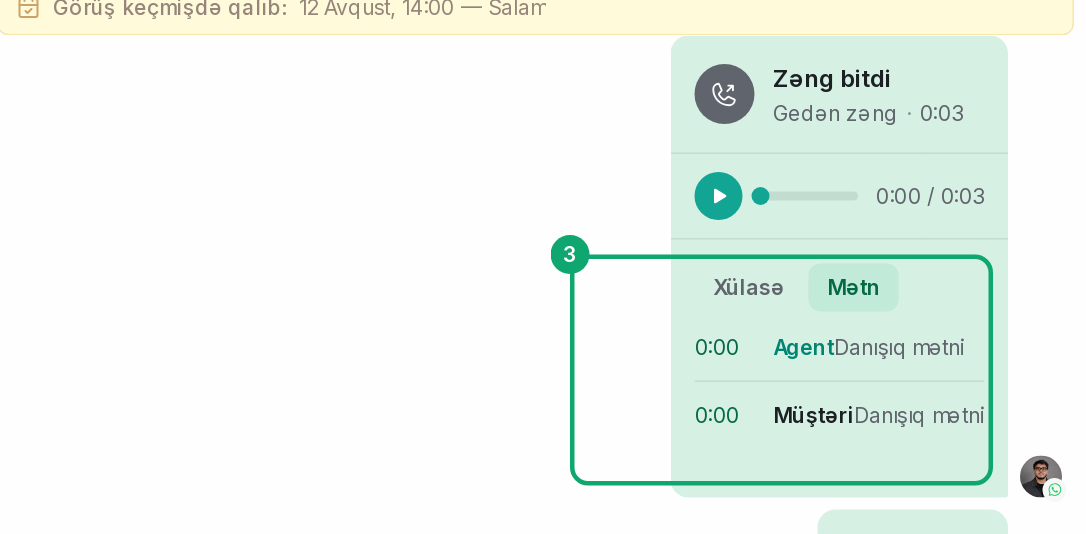
The “Transcript” section shows the conversation line by line, with times. Each line shows who was speaking: the agent or the customer. The “Summary” section is a short result of the call. A summary is made only when the conversation lasted more than 10 seconds. The transcript is ready in a few minutes.
-
4
Calls without a recording
A call where nobody spoke has no transcript. Calls answered on the phone and calls made from the phone have no recording; the conversation only shows their time.