Delete or pause a channel
Last updated: 27 September 2026 · 3 min read
Only an administrator can delete a channel. The deleted channel's conversations and messages are deleted too, and they can't be restored.
Steps
-
1
Click Delete
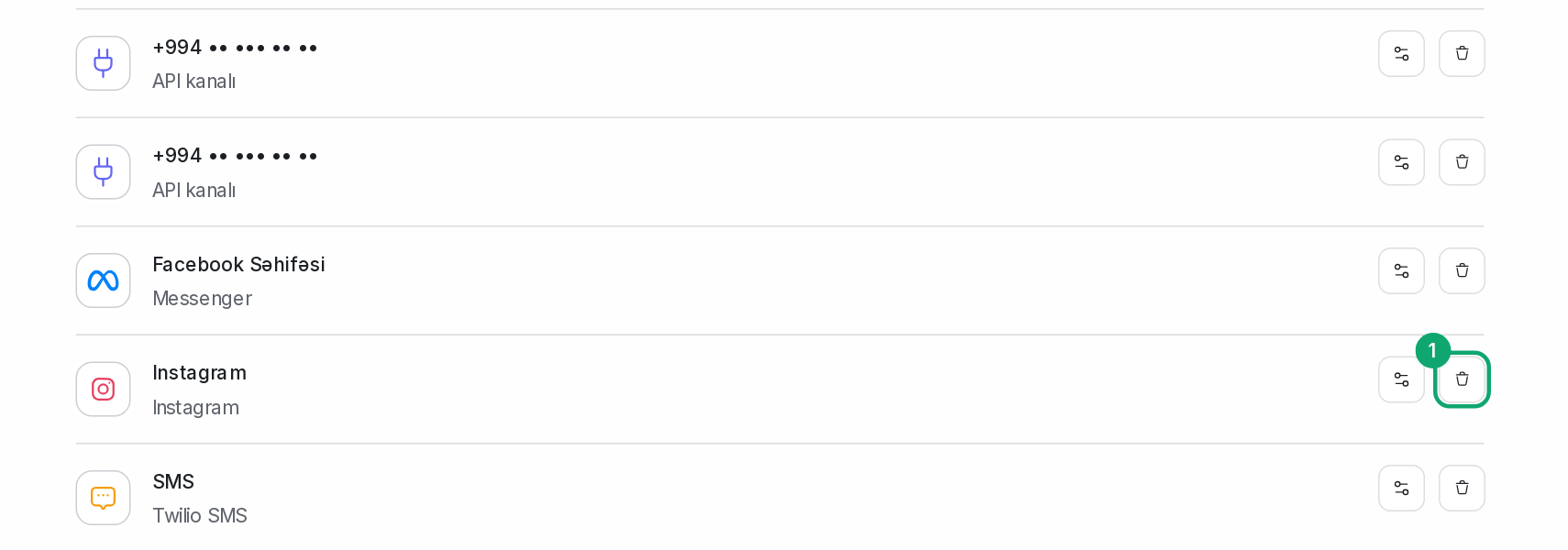
In the list in Settings › Workspace settings › Inboxes, click the “Delete” button with the trash can icon to the right of the channel.
-
2
Confirm the deletion
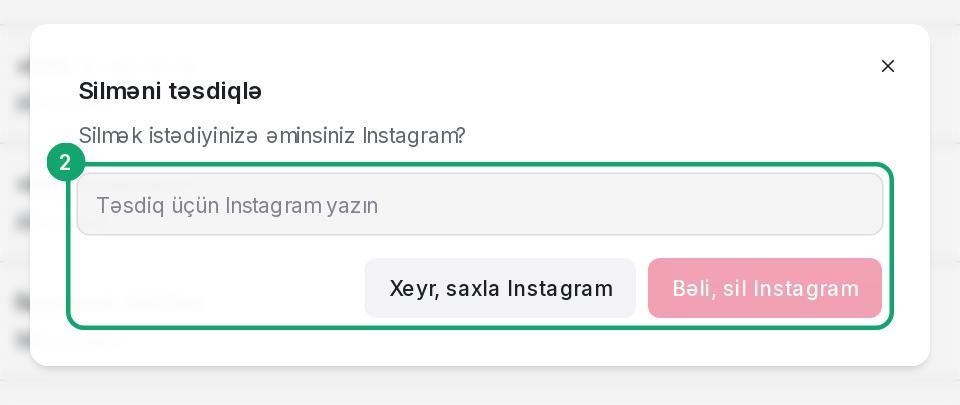
In the “Confirm Deletion” window, type the channel's name exactly as it is and click “Yes, Delete”. Deletion runs in the background.
-
3
Pause instead of deleting
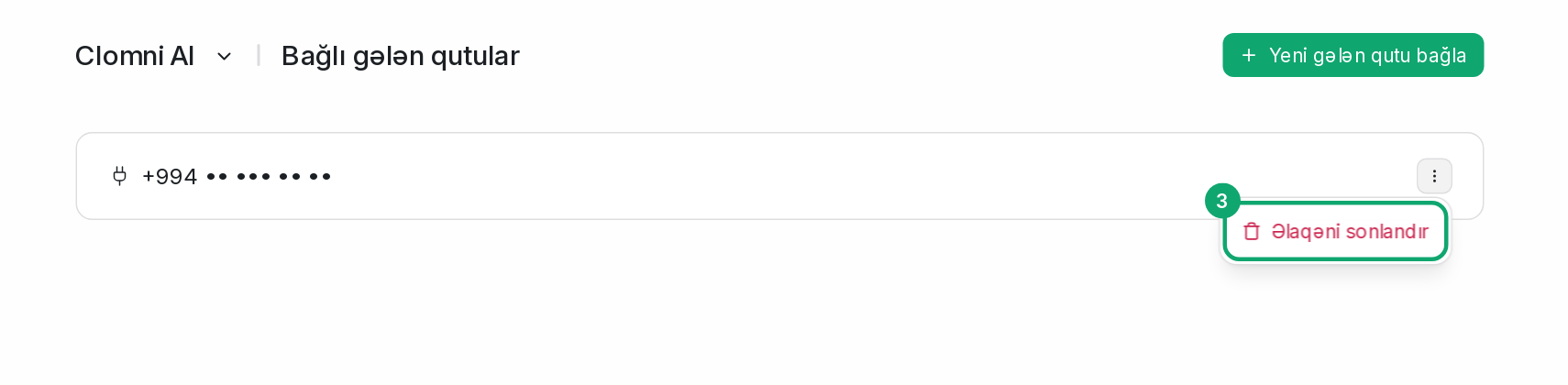
There's no separate button that turns a channel off for a while. On a WhatsApp QR channel, the “Disconnect” button in the channel's “Settings” section unlinks the number, and you can link it again later with “Connect”. If the channel is connected to the AI agent, disconnect it with “Disconnect” on Clomni AI › Inboxes.