The AI agent gives wrong answers
Last updated: 27 September 2026 · 5 min read
The AI agent (the “Clomni AI” section in the sidebar) answers customers from FAQs, the documents you uploaded and the assistant's guidelines. A wrong answer usually comes from wrong, outdated or missing information in the knowledge base. Only administrators see this section.
Steps
-
1
Show the source
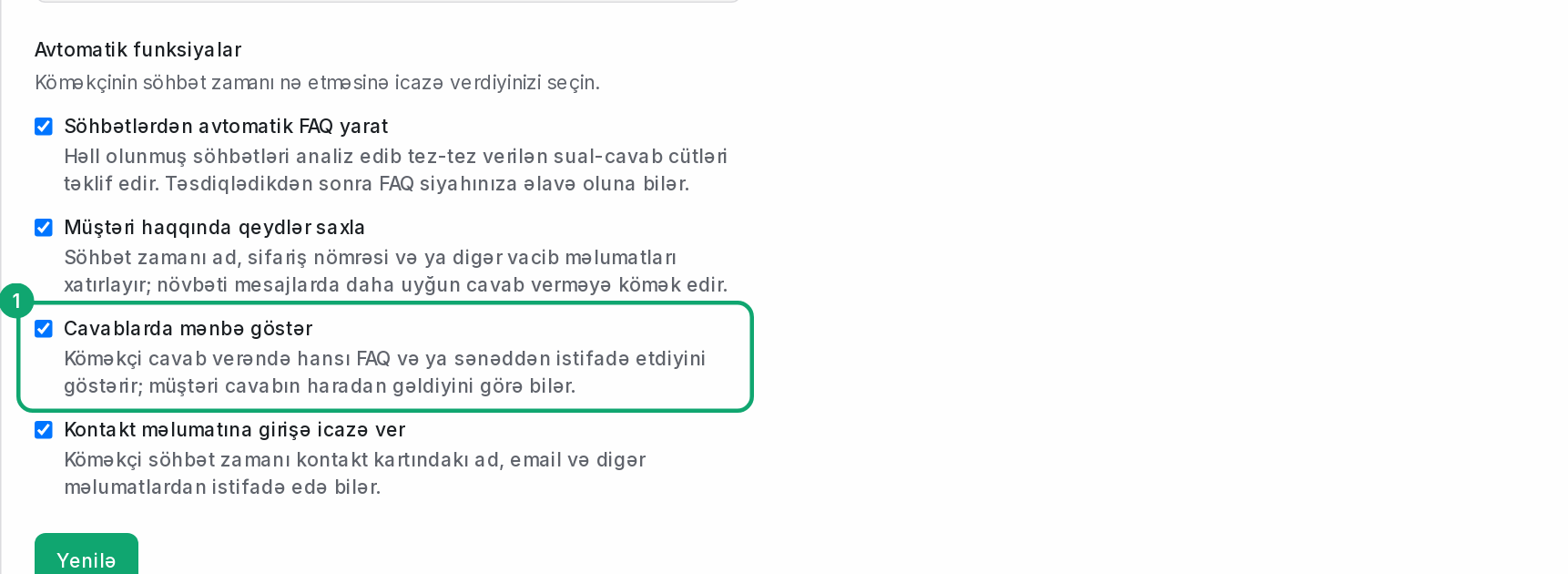
In Clomni AI › Settings, turn on “Show sources in replies”. When the assistant answers, it will show which FAQ or document it used.
-
2
Fix or add the FAQ
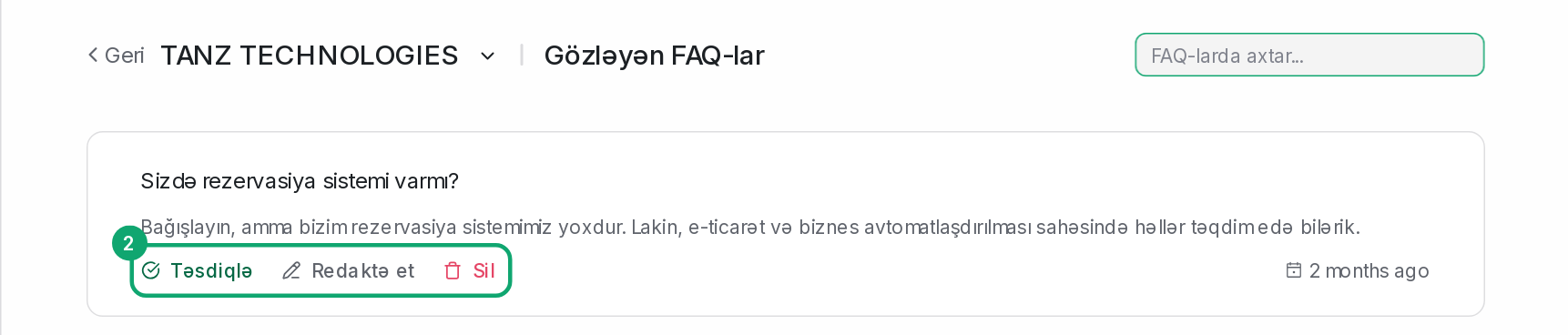
In Clomni AI › FAQs, fix the FAQ with the wrong answer using “Edit”. If there's no such FAQ, write the question and the correct answer with “Create new FAQ”. “Pending FAQs” aren't used until they're approved: read them and click “Approve” or “Delete”.
-
3
Delete old documents
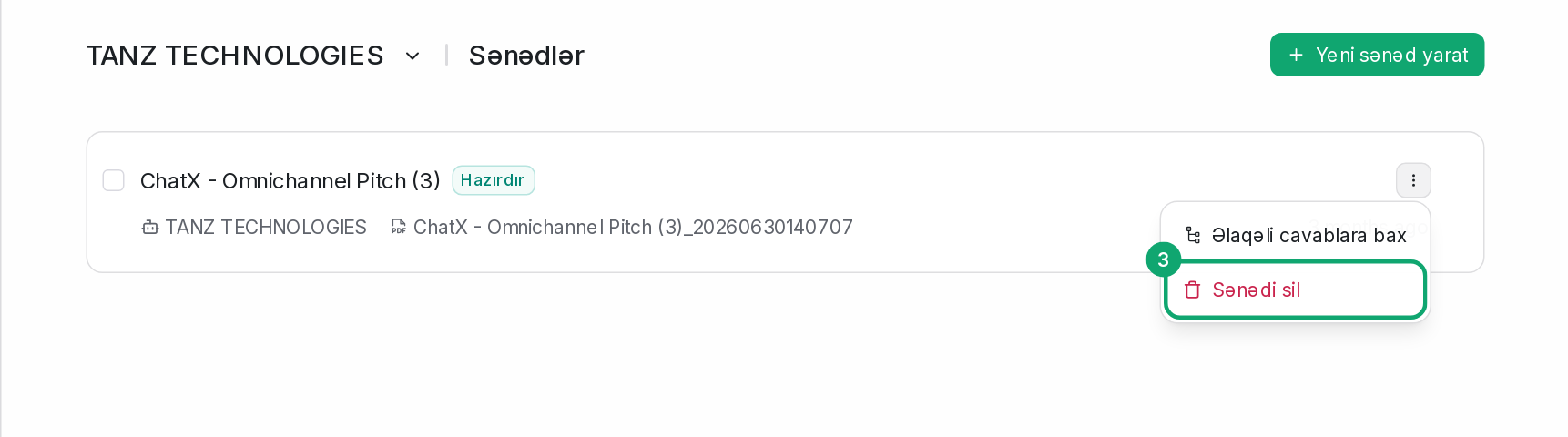
In Clomni AI › Documents, delete documents with old prices or rules and add a new one.
-
4
Make the guidelines more precise
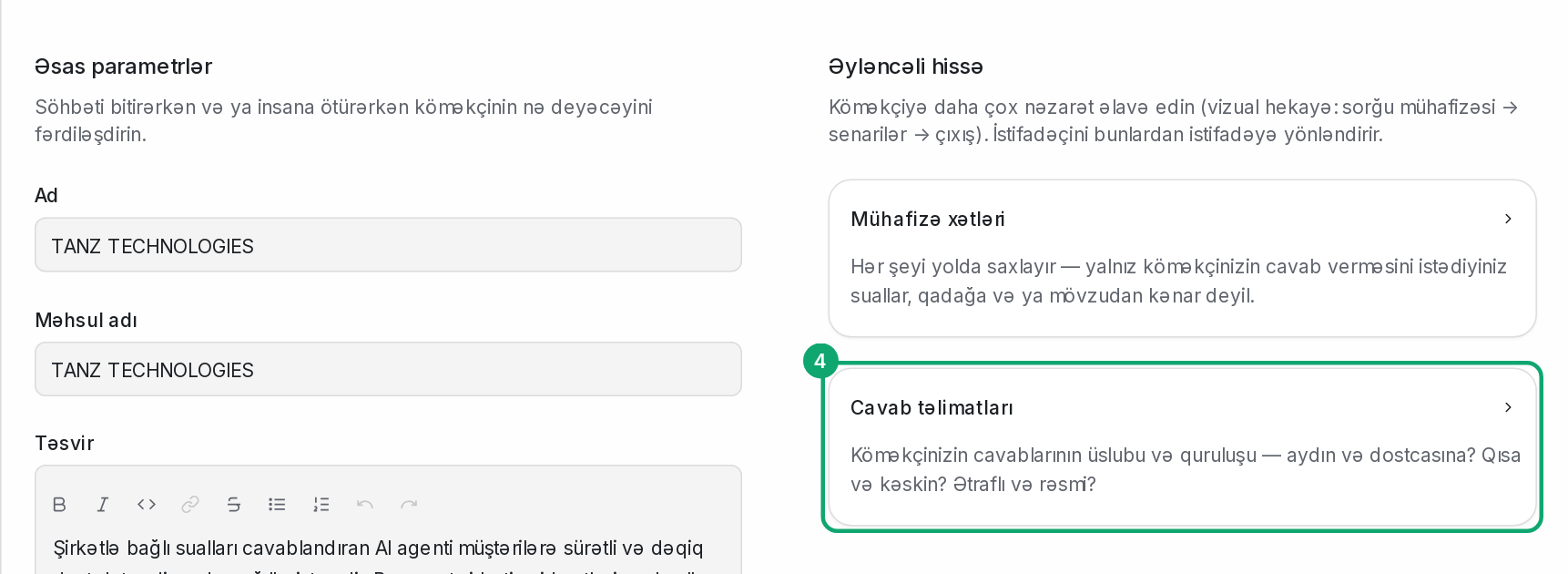
In Clomni AI › Settings, open the “Response guidelines” card and write how the assistant should answer in the “Add a response guideline” field. For example: “If asked about prices, only give the price from the FAQ. If you don't know, hand over to an operator.”
-
5
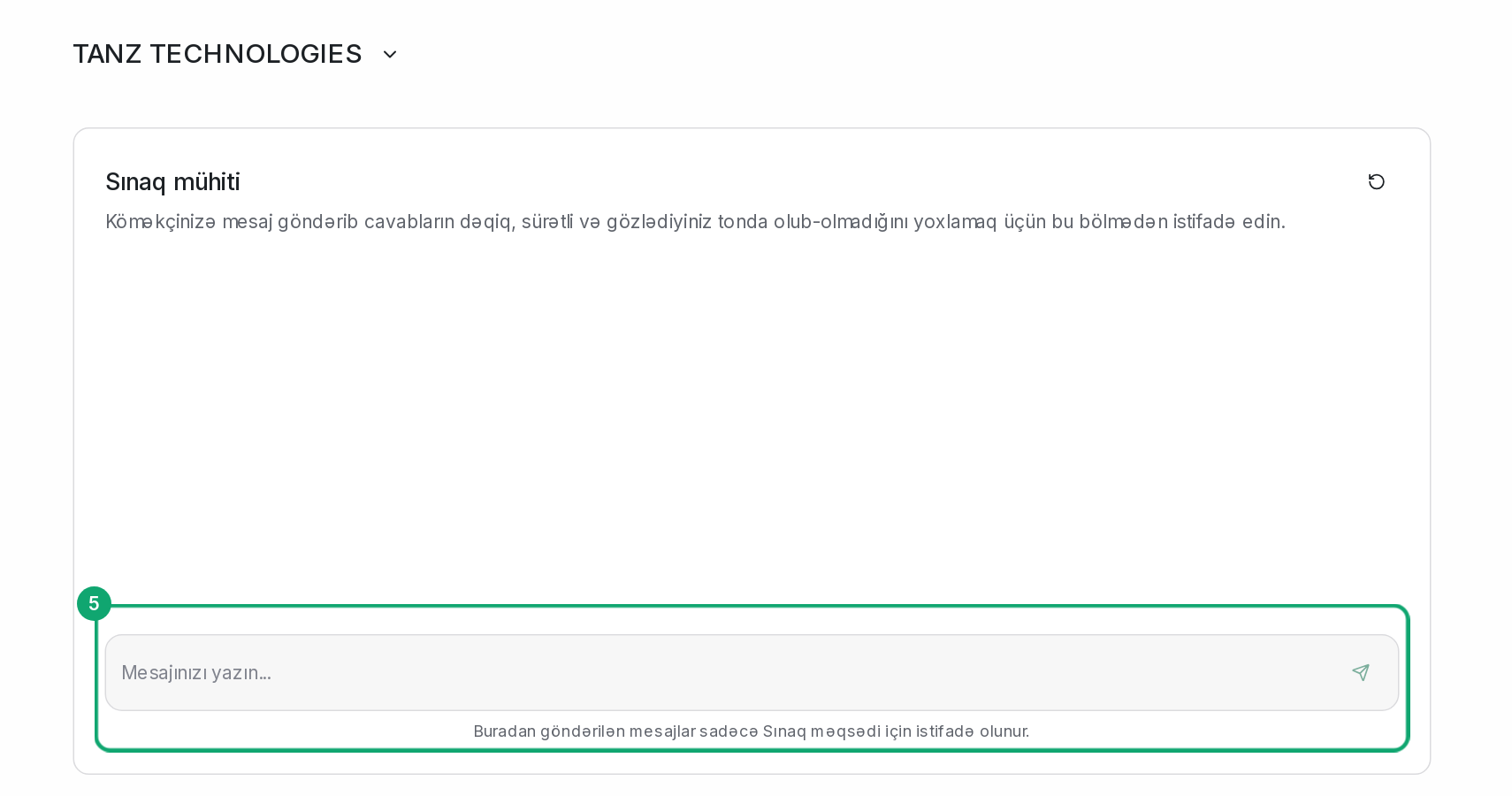
Check in the Playground
In Clomni AI › Playground, type the same question. Messages here don't go to customers.