Teach the AI agent from documents and websites
Last updated: 27 September 2026 · 5 min read
The AI agent (Clomni AI) takes its answers from documents and FAQs. A document can be a PDF file or a web page address. The number of documents is limited by your plan (“Clomni AI documents”). Administrators see this section.
Steps
-
1
Add a document
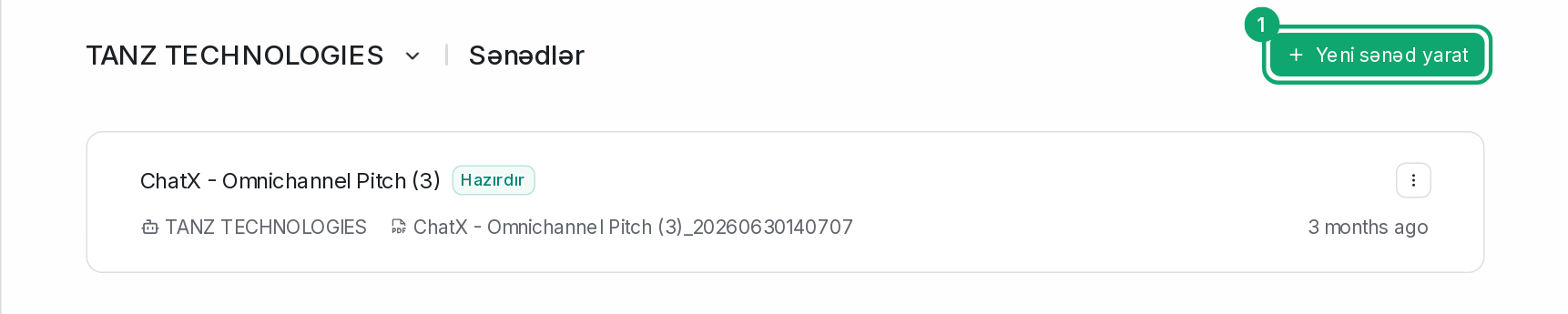
In Clomni AI › Documents, click “Create a new document”.
-
2
Choose the type
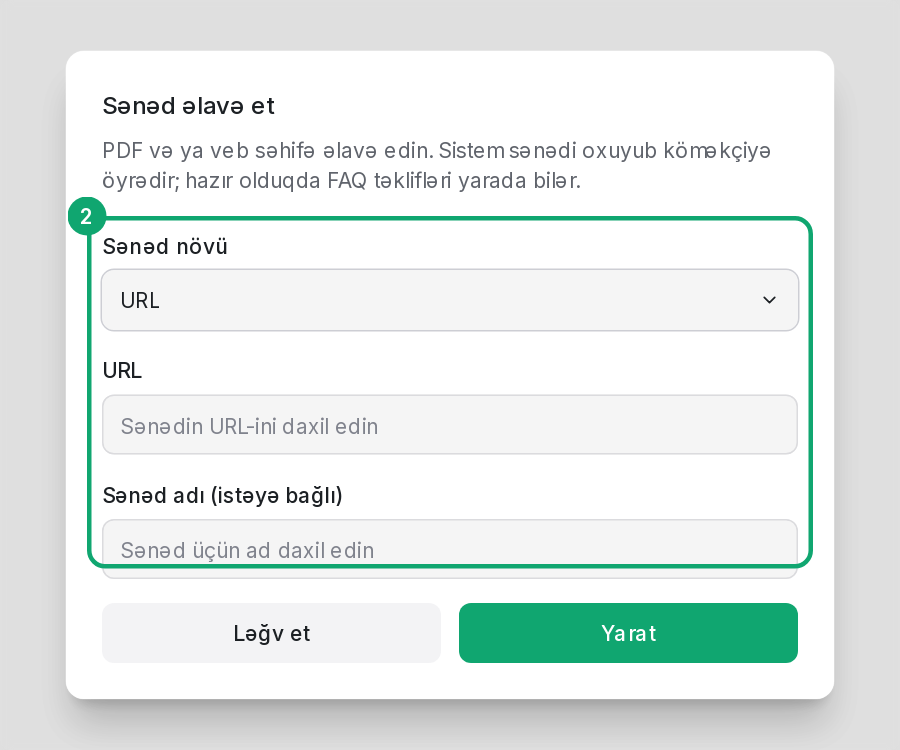
In the “Document Type” field, choose “URL” or “PDF File”. For a URL, enter the page's full address. A PDF file must not be larger than 10 MB. You can give the document a name if you like.
-
3
Wait for training
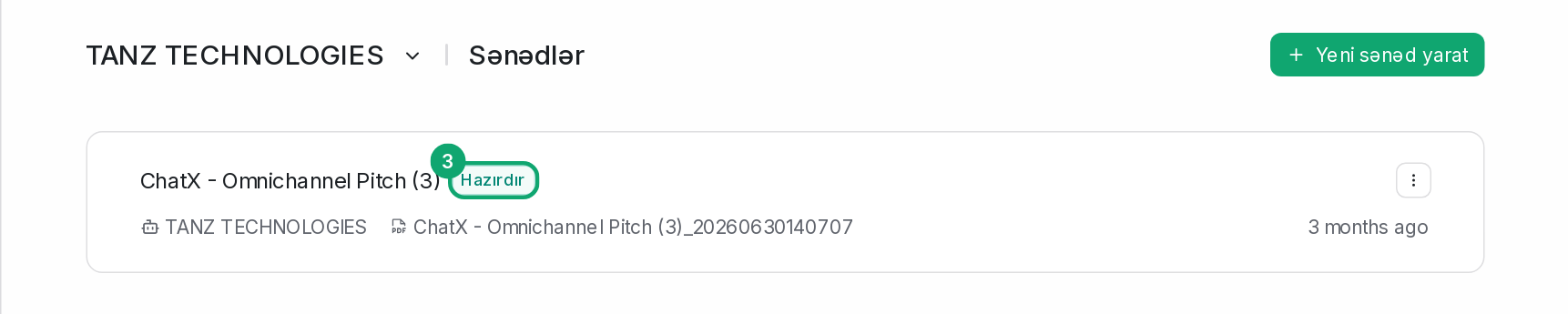
A document starts with “Training” status and becomes “Ready” in a few minutes. If you see “Failed”, check that the file opens or that the page is public, and add it again.
-
4
Review FAQ suggestions
After a document is added, the system may suggest FAQs. The suggestions appear as “Pending FAQs” in Clomni AI › FAQs. Read and approve them.

-
5
Write exact answers as FAQs
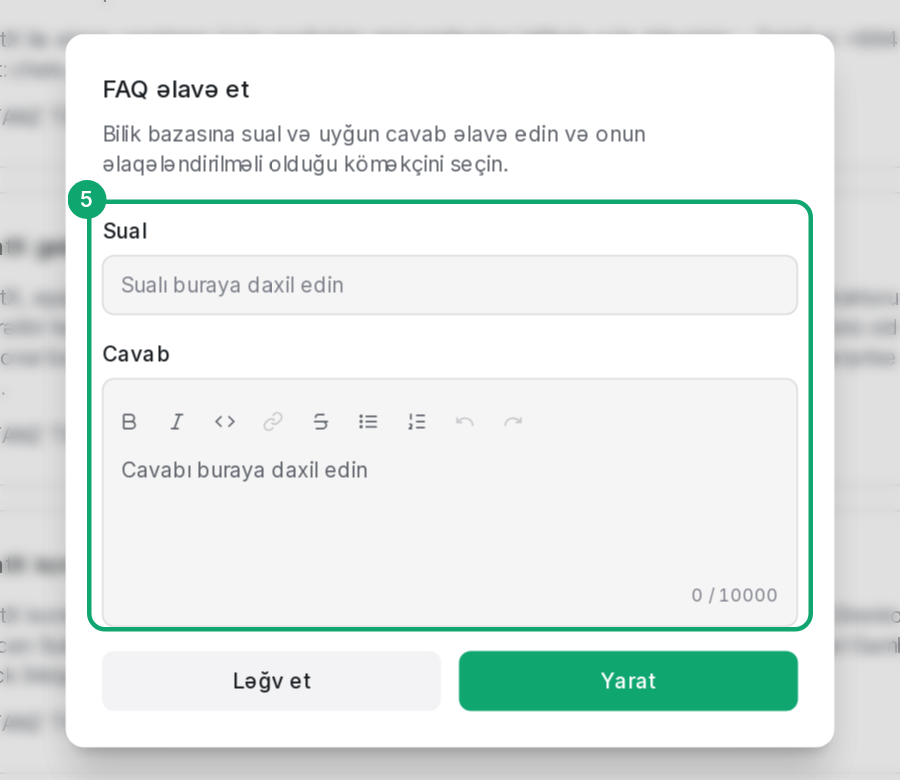
For exact answers such as prices, address or opening hours, add an FAQ: Clomni AI › FAQs › “Create new FAQ”.