The difference between an administrator and an agent
Last updated: 27 September 2026 · 5 min read
Clomni has two main roles: Administrator and Agent. If needed, an administrator can also create custom roles for agents.
Steps
-
1
Administrator
Sees and changes everything: conversations in all channels, channel settings, agents and teams, automation, campaigns, Clomni AI, reports, contact export, subscription and invoices.
-
2
Agent
Sees and replies only to conversations in the channels they are a member of. Views contacts, uses canned responses and macros, and changes their own profile. Does not see channel settings, agents, reports, campaigns, the Clomni AI section or billing.
-
3
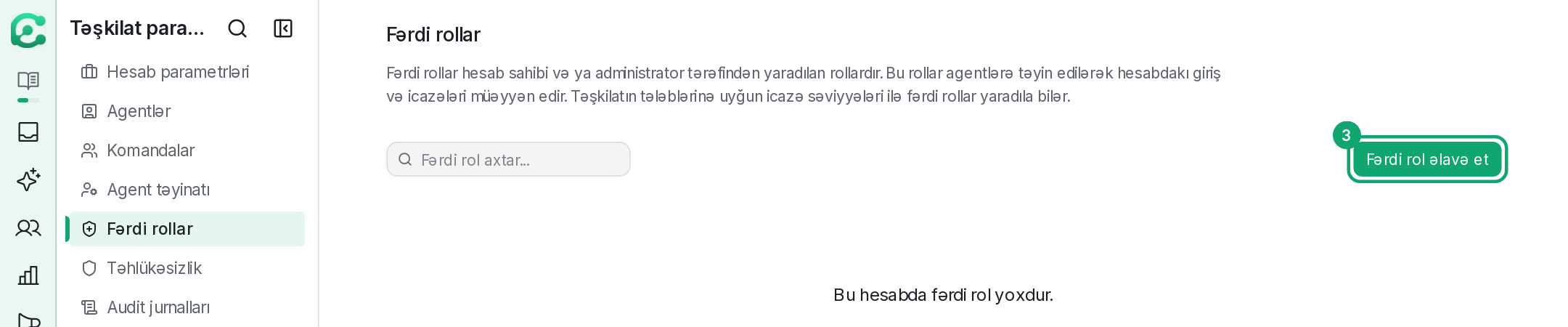
Custom role
Created in Settings › Organization settings › Custom Roles. The permissions you can choose: manage all conversations, manage unassigned conversations and those assigned to them, manage participating conversations and those assigned to them, manage contacts, manage reports, manage knowledge base.
-
4
Which role to choose
Give the Agent role to people who reply to conversations. Give a manager who needs to see reports a custom role with the “Manage reports” permission. Give the Administrator role only to people who manage channels, the team and billing.
-
5
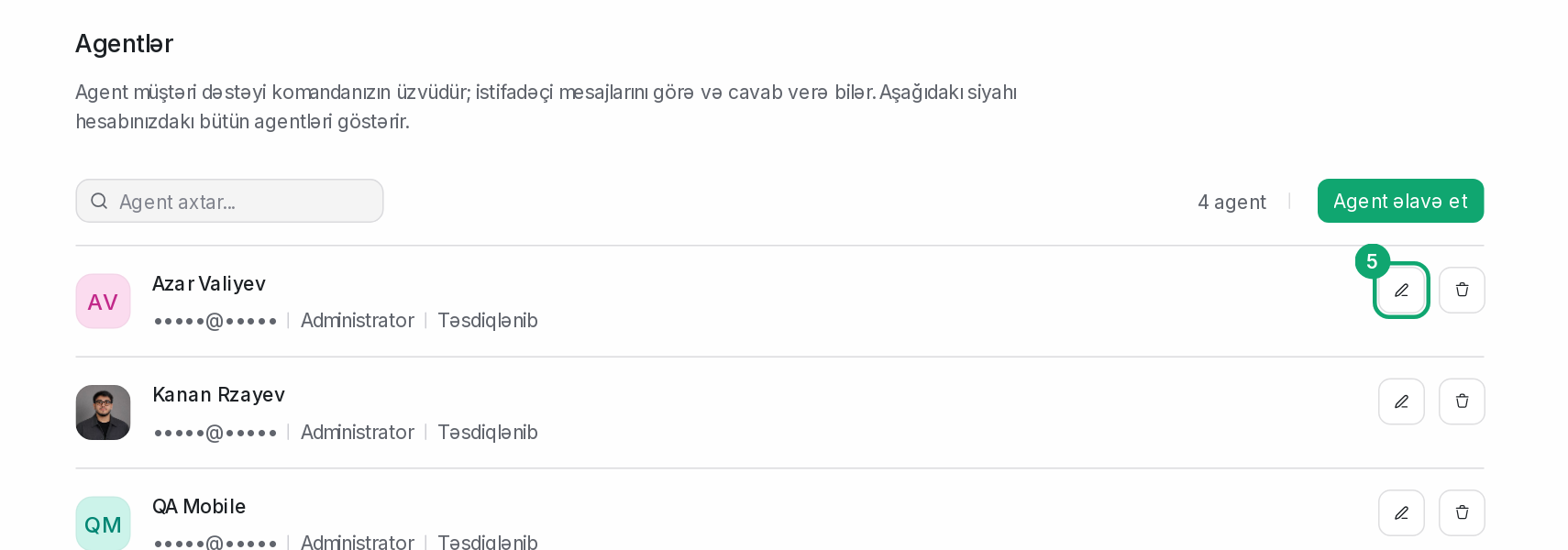
Change a role
In Settings › Organization settings › Agents, click the agent's edit button and change the role.