
Account locked: too many wrong passwords
Last updated: 27 September 2026 · 3 min read
After 10 wrong passwords in a row, the account is locked for 30 minutes. This protects it from anyone trying to guess the password. The login page shows “Too many wrong passwords. The account is locked for 30 minutes.”
Steps
-
1
Wait 30 minutes
The lock lifts by itself. You don't need to do anything.
-
2
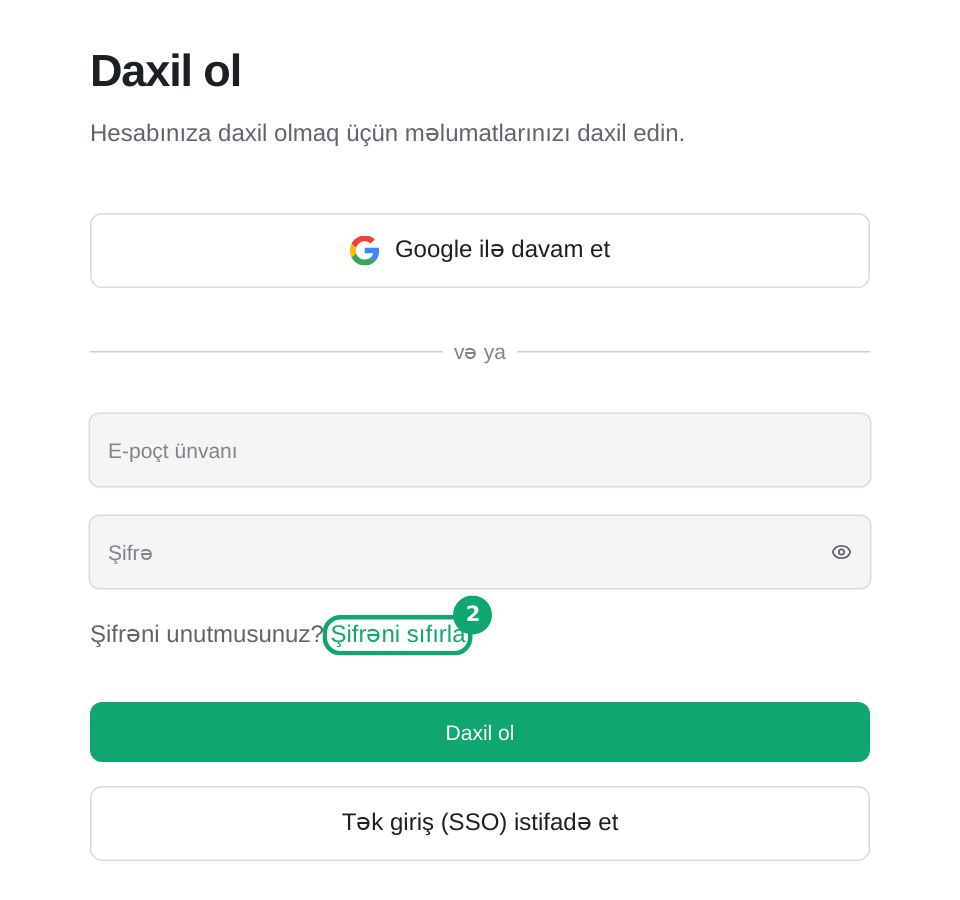
Or reset your password
On the login page, click the “Reset password” link next to “Forgot password?”, enter your email and click “Get verification code”. Set a new password with the link sent to your email. The account unlocks as soon as you set a new password.
-
3
If it wasn't you
If you didn't try to log in during this time, change your password and tell your account administrator.