Add a new agent to your team
Last updated: 27 September 2026 · 4 min read
An administrator adds agents. The number of agents is limited by your plan: if the limit is reached, no new agent can be added.
Steps
-
1
Open the Agents page
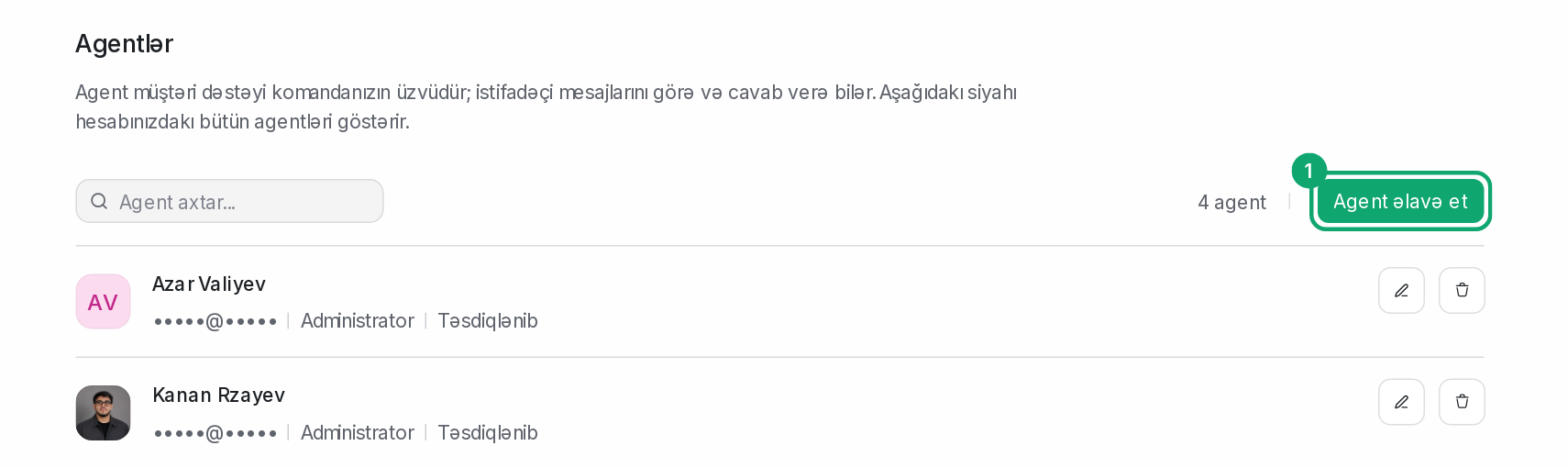
In the sidebar, open Settings › Organization settings › Agents and click “Add Agent”.
-
2
Enter the details
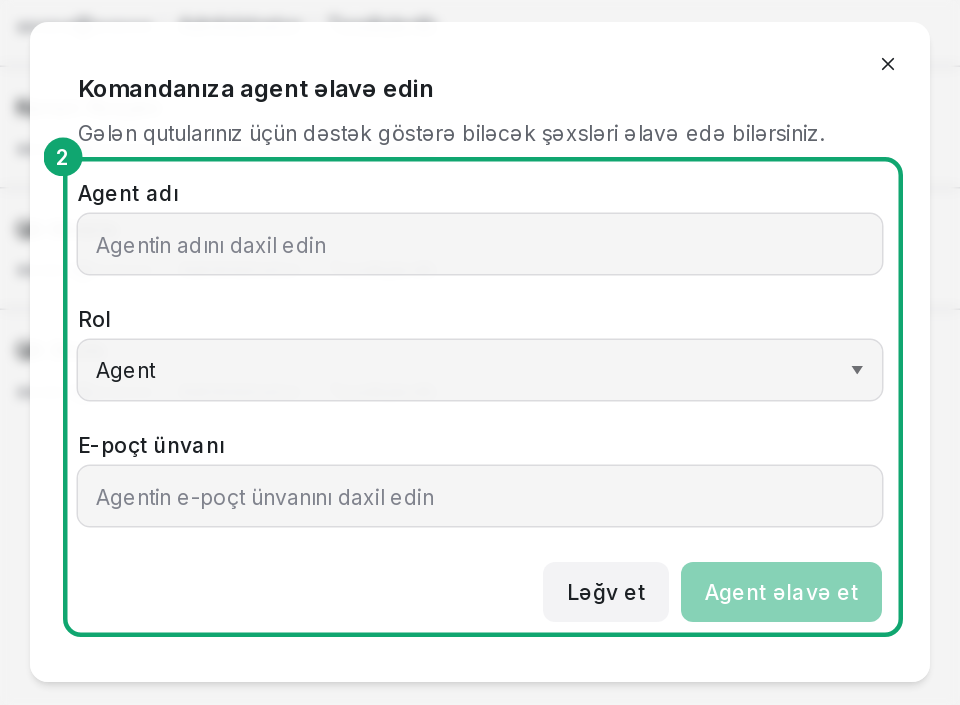
Fill in the “Agent Name”, “Role” and “Email Address” fields. The role can be Administrator, Agent or a custom role you created. Then click “Add Agent”.
-
3
The agent accepts the invitation
The agent gets an invitation email. They set a password with the link in the email and log in. If the email hasn't arrived, ask them to check their spam folder.
-
4
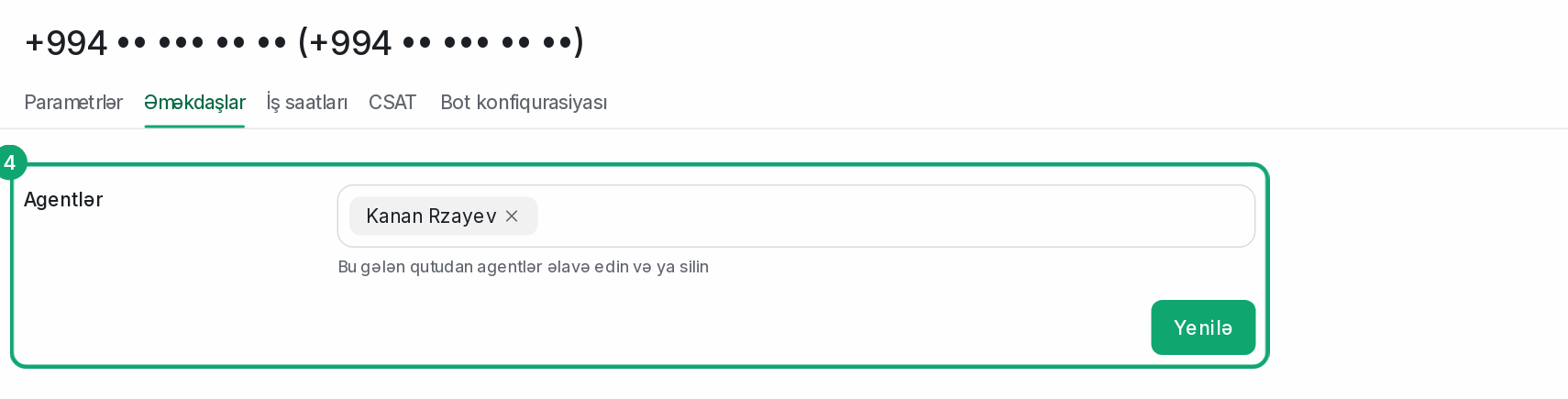
Add the agent to channels
An agent only sees conversations in the channels they are a member of. Open the channel's settings from the list in Settings › Workspace settings › Inboxes and add them in the “Collaborators” section.