Create canned responses
Last updated: 27 September 2026 · 3 min read
A canned response is a copy of a text you write often, tied to a short code. All agents can create and use canned responses.
Steps
-
1
Add a canned response
On Settings › Workspace settings › Canned Responses, click “Add canned response”.

-
2
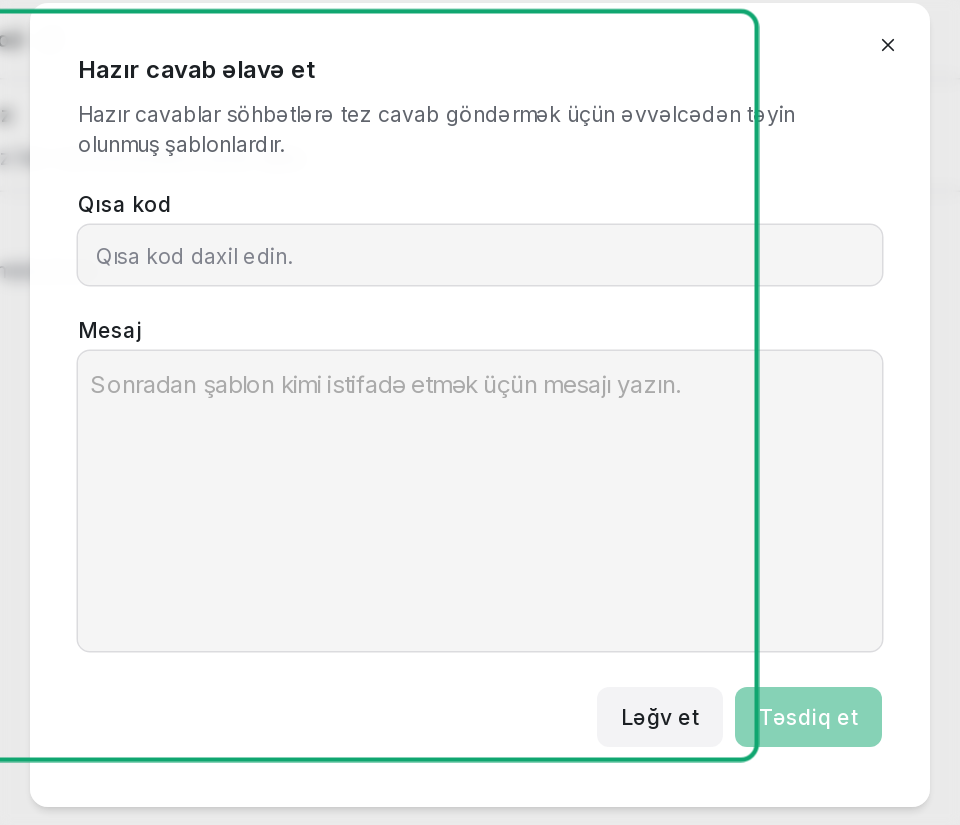
Write the short code and text
In the “Short code” field, write a short name (for example, hello), write the reply text in the “Message” field, and click “Submit”.
-
3
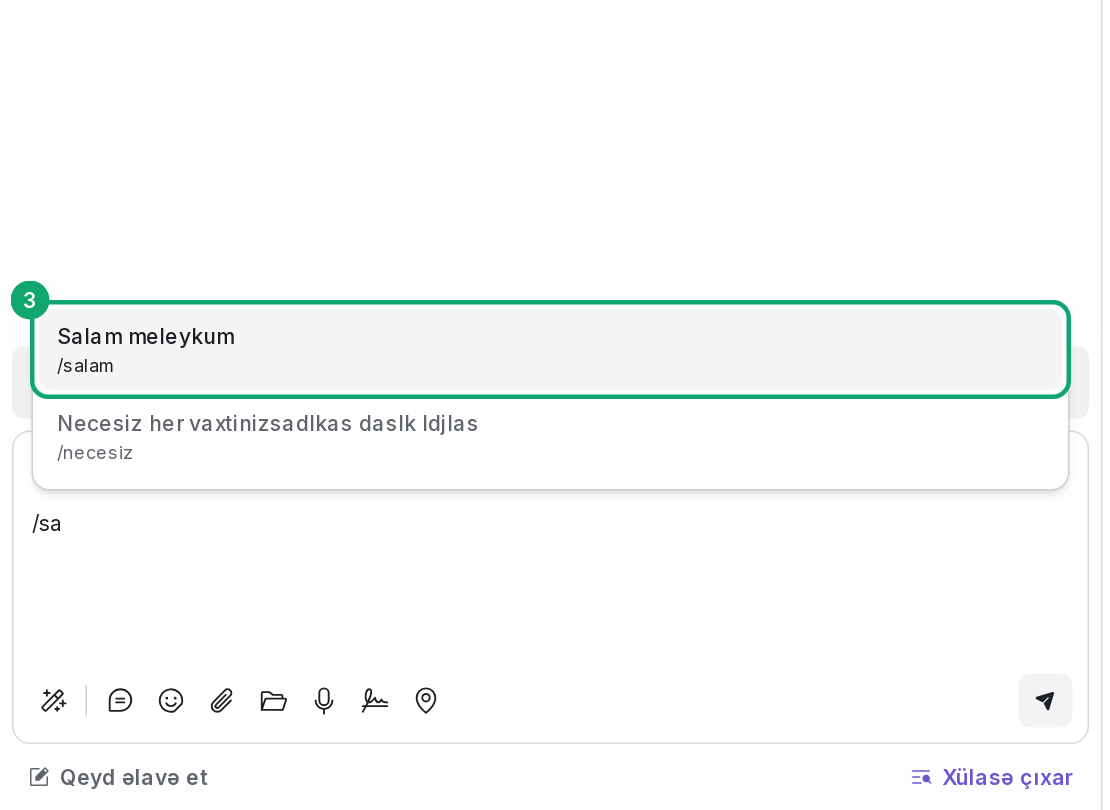
Use it in a conversation
In the reply box, type “/” and the first letters of the short code. Pick the one you need from the list, and the text goes into the reply box. You can change it before sending.