Connect and reconnect an Instagram account
Last updated: 27 September 2026 · 4 min read
When the Instagram permission expires or the account's password changes, messages stop arriving. You do not need to delete the channel; reconnecting it is enough. An administrator does this.
Steps
-
1
Open the channel's settings
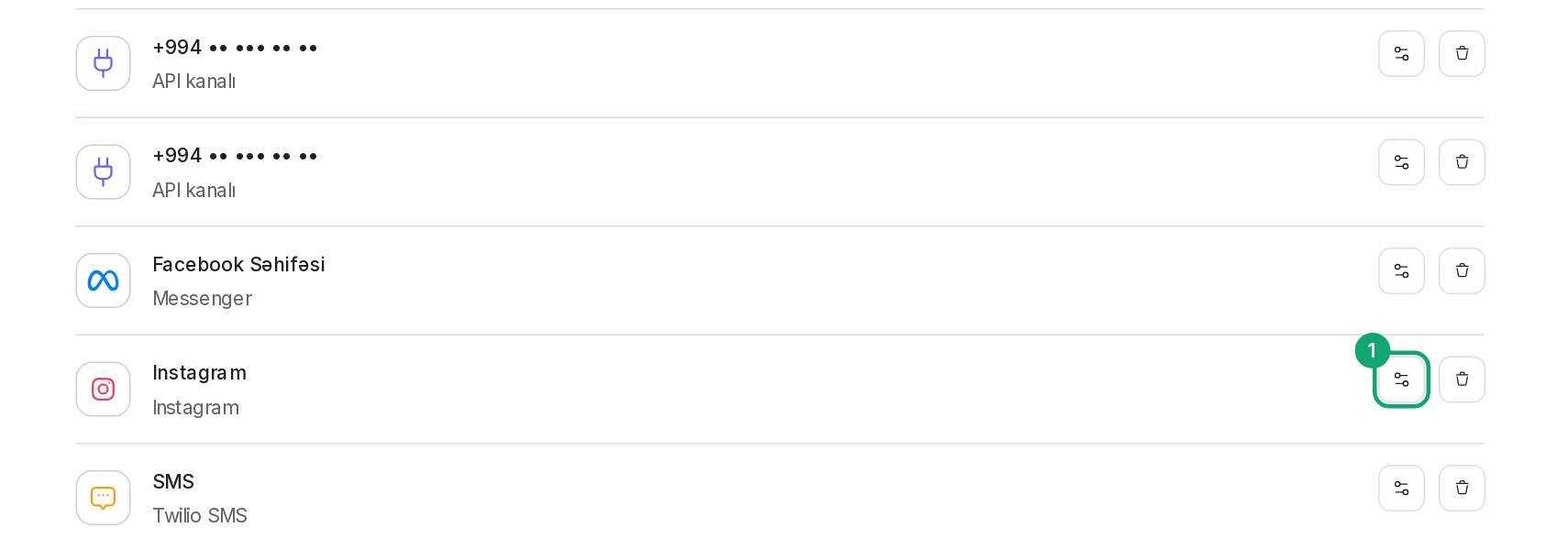
In Settings › Workspace settings › Inboxes, click the settings button of the Instagram channel. If the connection is lost, a red bar shows at the top: “Your inbox is disconnected”.
-
2
Give permission again
Click the “Click here to reconnect” link in the bar. In the Instagram or Facebook window that opens, sign in to your account and choose your account and Page. Keep all permissions turned on.
-
3
Send a test message
Write to your Instagram from another account. The message should appear in the dashboard within a minute.
-
4
If you are connecting for the first time
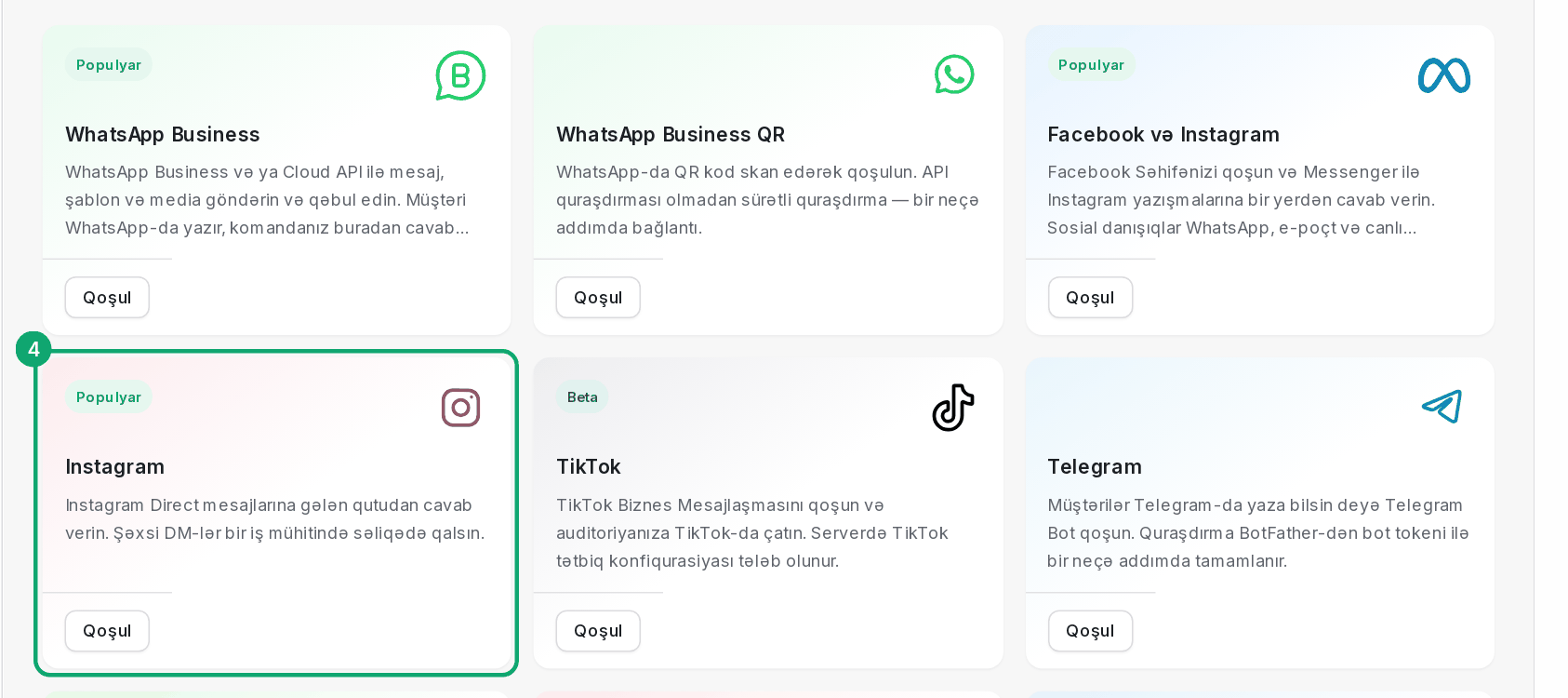
Go to Settings › Workspace settings › Inboxes, click “Add Inbox” and choose the “Instagram” card in the catalog. Sign in with the “Continue with Instagram” button. If a bot also works on this account, choose “Connect via Facebook Page”: handing a conversation from the bot to an agent is only possible this way.