
Instagram comments do not show in the dashboard
Last updated: 11 October 2026 · 3 min read
In Clomni, Instagram comments do not appear as separate conversations. Comment campaigns handle comments: they post a public reply under the matching comment and send the customer a private message (DM). When the customer replies in DM, the conversation opens in the dashboard.
Steps
-
1
Set up a comment campaign
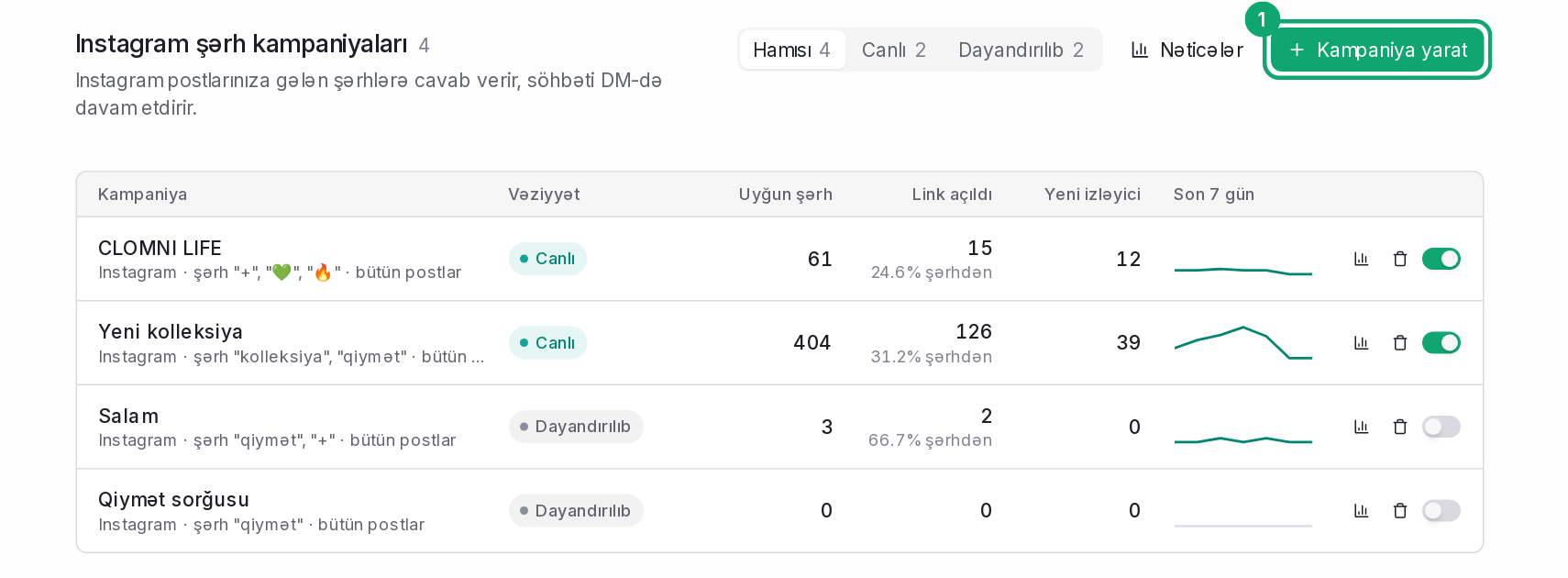
In the left menu, go to Campaigns › Instagram, create a campaign and enter the keywords. The steps are in the article “Set up an Instagram comment campaign”.
-
2
If the campaign does not reply
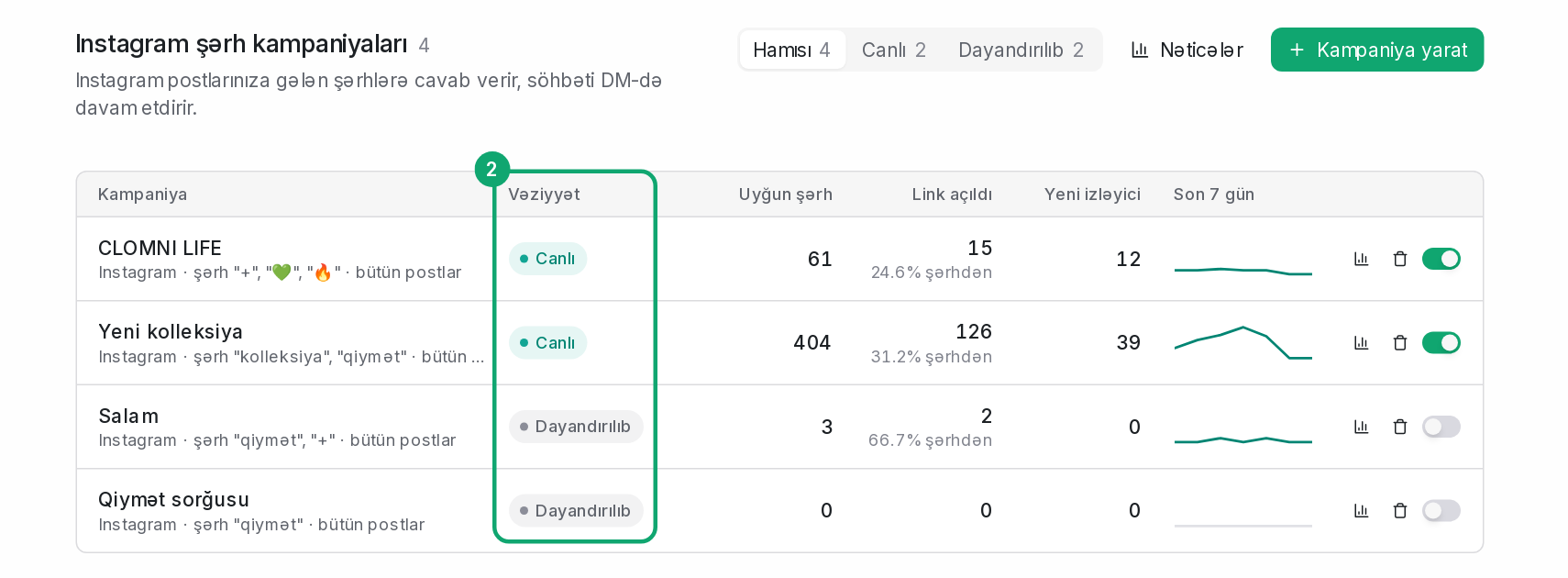
- The campaign must be “Live”. “Draft” and “Stopped” campaigns do not reply to comments.
- The comment must contain one of the campaign's keywords. If “is exactly it” is chosen in “Keyword match”, the comment must be the keyword itself.
- If “Specific posts only” is chosen, the comment must be on one of those posts.
- If “All posts except these” is chosen, comments on the left-out posts get no reply.
- If “Only once per user per post” is on, the same person's second comment gets no reply.
- If the Instagram channel is disconnected, reconnect it first.
-
3
Comments you write yourself
Comments written by the connected Instagram account itself do not trigger the campaign. To test, comment from another account.