
Why a number linked by QR disconnects
Last updated: 27 September 2026 · 4 min read
The QR channel works as a linked device of WhatsApp on your phone. When the connection drops, new messages do not reach Clomni. When it drops, an email goes to the account's administrators.
Steps
-
1
Check the status
In the left menu, under Conversations › Channels, there is a status dot next to the QR number. Green means the number is connected. Yellow means it is connecting or waiting for the QR code, and red means the connection is lost. Hover over the dot to see the status.
-
2
Check the cause
The most common causes:
- the device was removed in WhatsApp › Settings › Linked devices on the phone;
- the phone has not been online for a long time;
- WhatsApp was deleted or reinstalled, or the number was moved to another phone.
The “Reconnecting” status usually fixes itself in a few minutes.
-
3
Reconnect
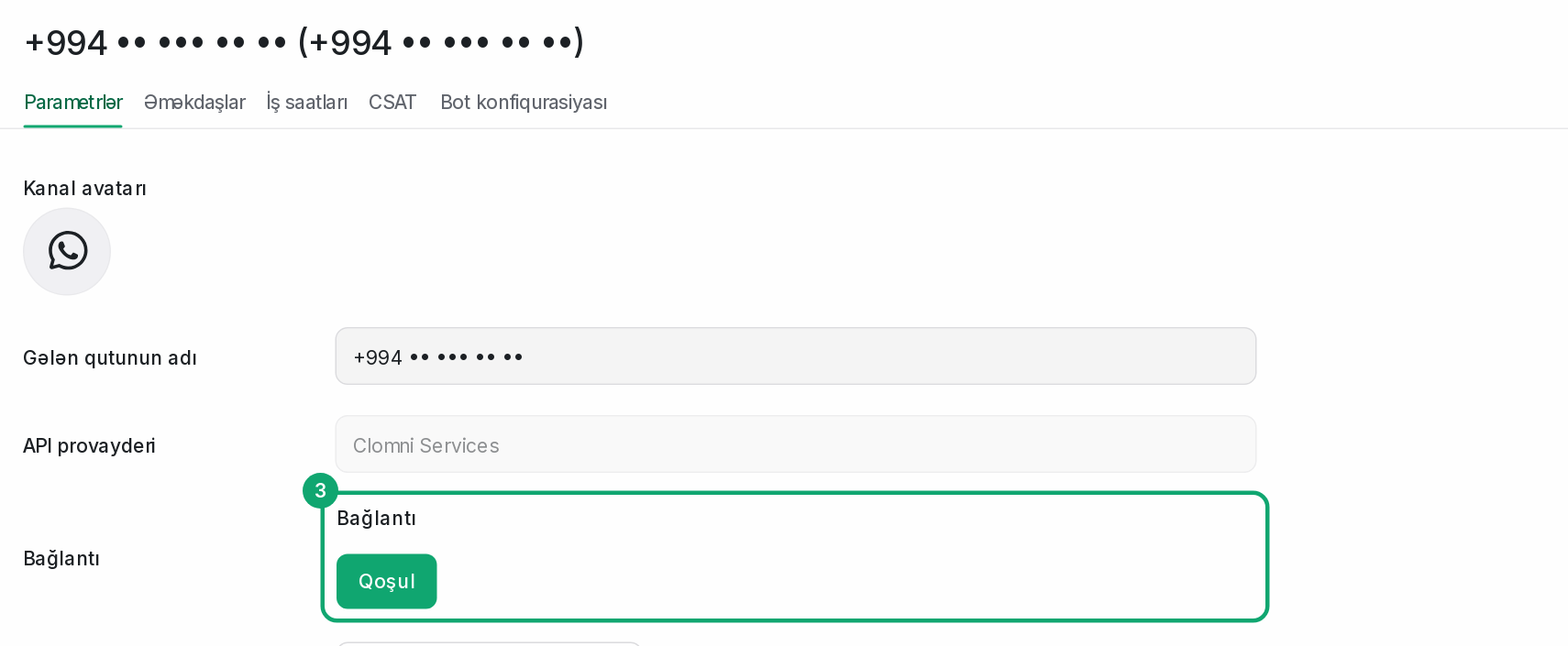
Open the QR channel's settings from the list in Settings › Workspace settings › Inboxes. In the “Connection” field, click “Connect” and scan the new QR code with the phone. You do not need to delete the channel, and your conversations stay in place.
-
4
Messages sent while it was disconnected
During a short outage, WhatsApp keeps the messages and delivers them when the connection is back. When you scan the QR code again, the phone also sends your recent chats.