Connect a Gmail mailbox
Last updated: 27 September 2026 · 4 min read
A Gmail or Google Workspace mailbox connects with your Google account; no password or IMAP/SMTP settings are needed. Incoming emails become conversations, and replies are sent from the same mailbox. An administrator connects the channel.
Steps
-
1
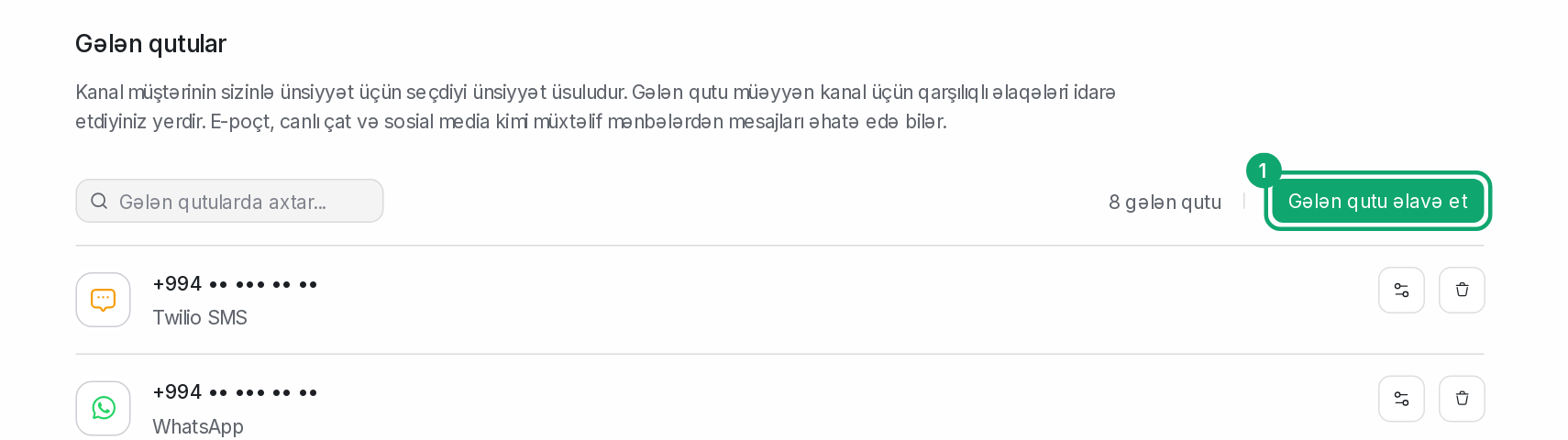
Open the channel catalog
On Settings › Workspace settings › Inboxes, click “Add Inbox”.
-
2
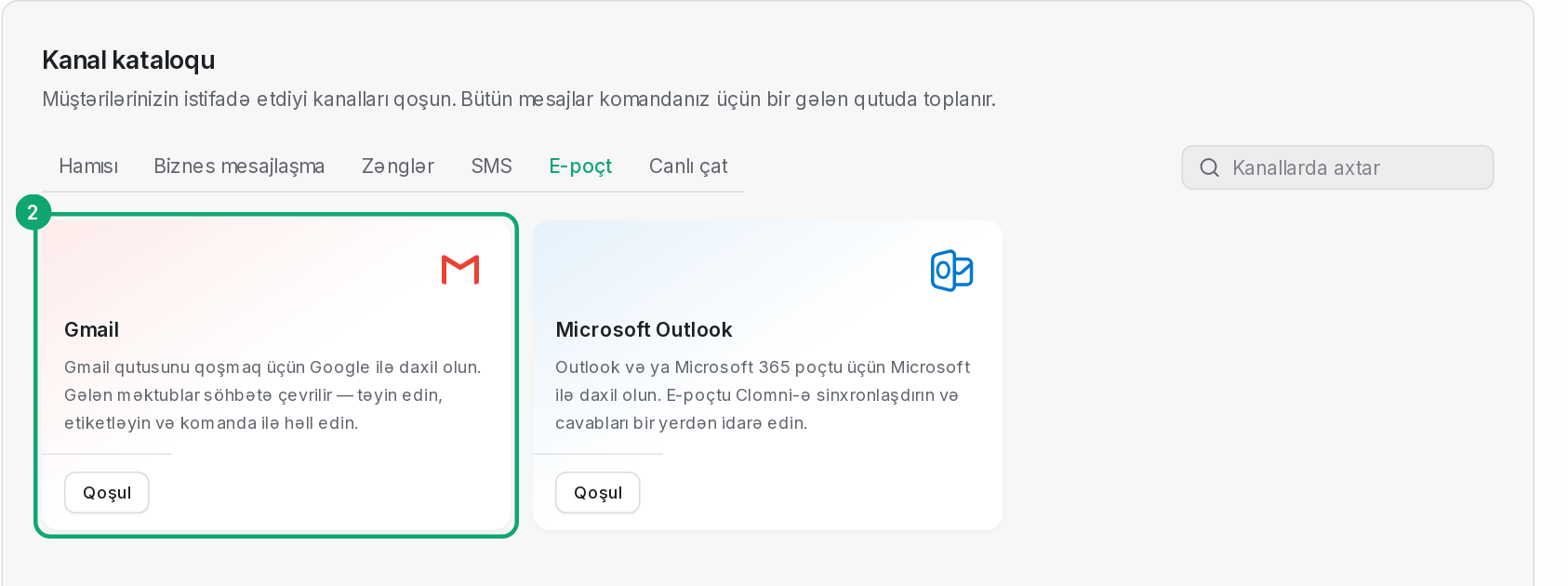
Choose the Gmail card
In the catalog, open the “Email” section and click “Connect” on the “Gmail” card.
-
3
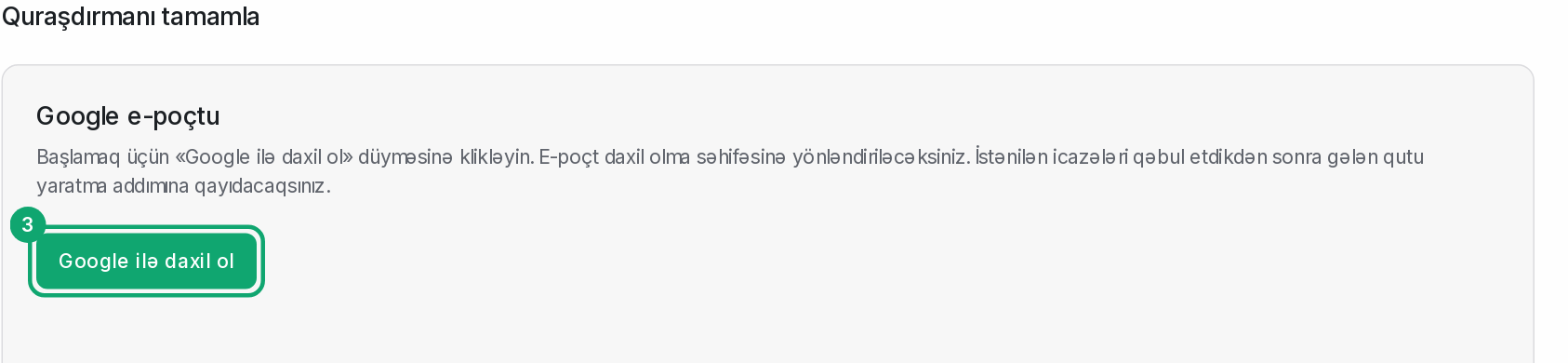
Sign in with Google
Click “Sign in with Google”. On the Google page that opens, pick the mailbox you want to connect and accept the requested permissions. You then return to the inbox creation step.
-
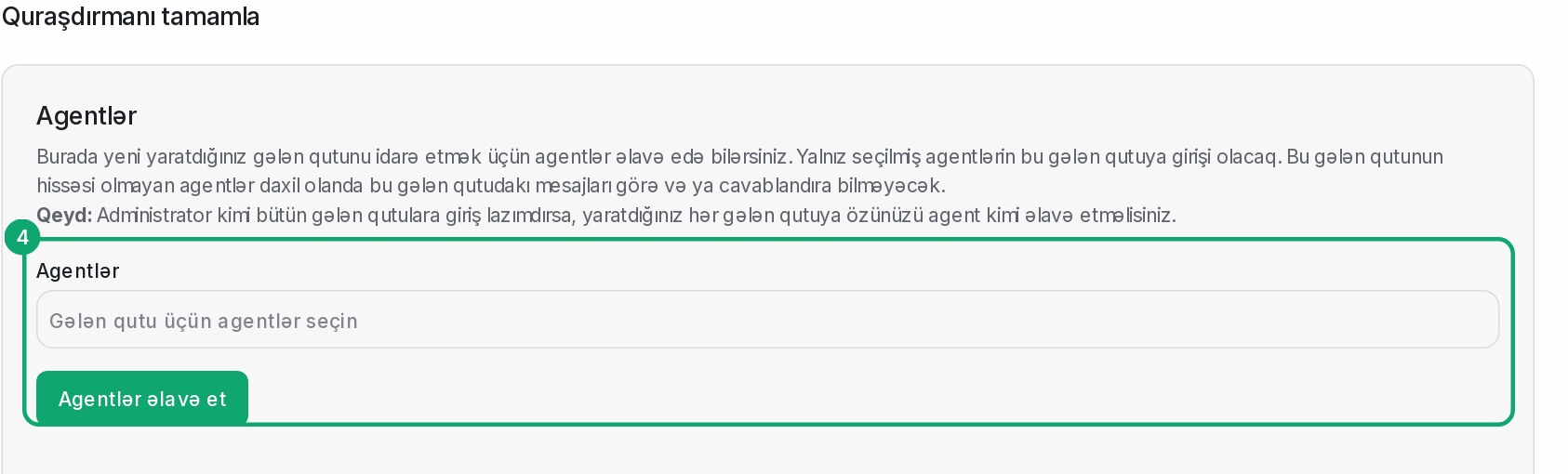
4
Choose agents
Pick the agents who will see this mailbox's emails and click “Add agents”.